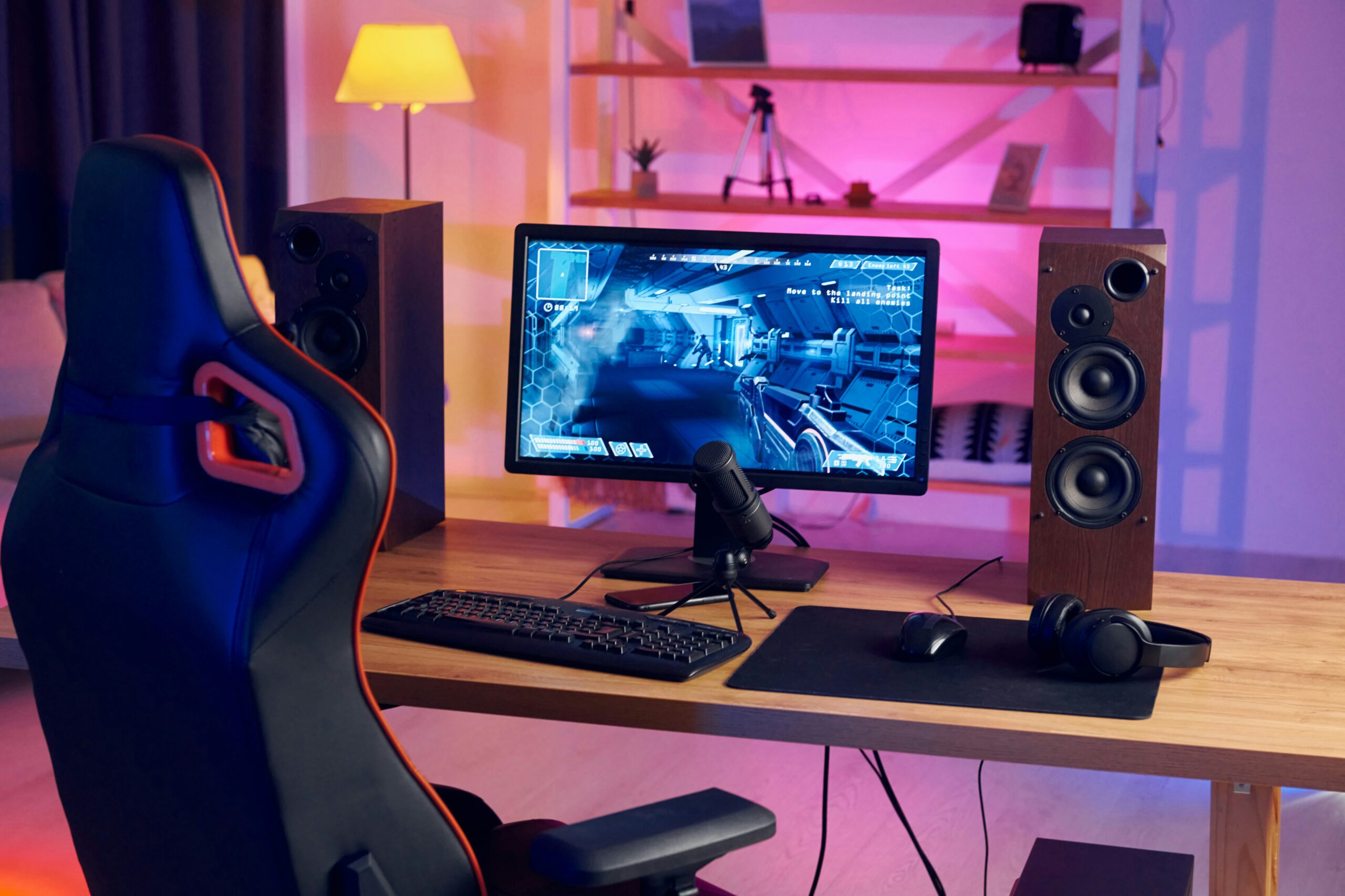
Gaming has changed greatly as modern titles have become larger, faster, and more detailed. As a result, older computers may struggle to deliver the smooth experience that players expect. Low frame rates, long loading screens, sudden stuttering, and overheating can quickly reduce enjoyment. Fortunately, you do not always need to replace your entire computer. Strategic gaming PC upgrades can improve speed, stability, graphics quality, and responsiveness. However, every component plays a different role, so choosing the right upgrade requires careful planning. A stronger graphics card can improve visual performance, while a faster processor can help games maintain stable frame rates. Meanwhile, additional RAM and faster storage can make the whole computer feel more responsive. Therefore, understanding each component helps you build a balanced system. When you focus on the hardware that limits your current setup, you can gain smoother performance without wasting money on parts that provide little benefit.
Start by Finding the Weakest Component
Before buying new hardware, you should first identify what currently limits your gaming experience. A computer can suffer from low performance for many reasons. For example, an older graphics card may struggle with demanding visual settings, while a weak processor may cause frame drops in CPU-heavy games. Likewise, limited memory can create stuttering when several programs run together. Therefore, checking hardware usage while gaming can help you understand where the main problem exists.
In addition, consider the type of games you usually play. Competitive games often benefit from high frame rates and strong processor performance. In contrast, visually detailed single-player titles may place more pressure on the graphics card. Your monitor resolution also affects the amount of graphics power you need. By defining your gaming goals first, you can choose gaming PC upgrades that solve actual problems instead of simply buying newer parts.
Upgrade the Graphics Card for Better Visual Performance
The graphics card often has the greatest direct impact on gaming performance. It creates the images you see on your monitor and handles textures, lighting, shadows, effects, and other visual details. Therefore, an outdated GPU can make modern games difficult to run smoothly. Players may need to reduce resolution or lower graphics settings just to maintain acceptable frame rates. A capable graphics card upgrade can change that experience significantly.
However, you should not automatically buy the most powerful GPU available. Instead, choose one that fits your resolution, target frame rate, processor, and budget. Also, check whether your computer case has enough physical space and whether your power supply can support the new card. When the GPU works well with the rest of the system, it can provide smoother frame rates and better visual quality without creating an expensive imbalance.
Add More RAM for Smoother Multitasking
RAM gives your computer fast temporary storage for information that games and applications need while running. If your system has too little memory, it may struggle when a game requires more resources. Furthermore, many gamers keep browsers, voice chat programs, launchers, music apps, and recording software running in the background. These applications also consume memory and can reduce available resources.
Adding enough RAM can therefore make multitasking much easier. It may also reduce stuttering caused by memory shortages. However, gamers should consider more than capacity alone. Memory speed, latency, and configuration can influence performance as well. Before buying new RAM, check which memory type and speeds your motherboard supports. Compatible memory installed correctly can help your gaming PC stay responsive during demanding sessions.
Improve the Processor for Stable Frame Rates
Although the graphics card receives much of the attention in gaming computers, the processor remains essential. The CPU handles game logic, physics, artificial intelligence, input processing, and many background calculations. Therefore, a slow processor can limit frame rates even when you have a strong graphics card. This problem becomes especially noticeable in competitive shooters, strategy games, simulations, and large multiplayer environments.
Before choosing a new processor, however, check your motherboard compatibility. Different processors require specific sockets and chipsets. As a result, moving to a newer CPU generation may also require a motherboard upgrade. You should also consider cooling because faster processors can create more heat. When you pair a capable processor with the right GPU, you can achieve more stable frame rates and a smoother gaming experience.
Switch to an SSD for Faster Loading
Storage technology can dramatically change how fast a computer feels. Traditional hard drives rely on moving mechanical parts, which makes them much slower than solid-state drives. Therefore, replacing an older hard drive with an SSD can reduce startup times, shorten game loading screens, and make applications launch faster. The entire system can feel more responsive even if average frame rates remain similar.
Moreover, modern NVMe SSDs can offer excellent transfer speeds when the motherboard supports them. Fast storage becomes particularly useful as games continue to include larger environments and more detailed assets. Still, gamers should consider storage capacity alongside speed. Large game libraries can consume space quickly. A practical setup should provide enough fast storage for the operating system, favorite games, updates, and essential applications.
Improve Cooling to Maintain Strong Performance
Heat can become a serious performance problem inside a gaming computer. Processors and graphics cards generate significant heat during demanding workloads. If temperatures become too high, these components may lower their operating speeds to protect themselves. Consequently, players may notice lower frame rates or inconsistent performance during long gaming sessions.
Fortunately, improving cooling does not always require an expensive solution. Cleaning dust from fans and filters can immediately improve airflow. Likewise, adding quality case fans or replacing an outdated CPU cooler may reduce temperatures. Good cable management can also help air move through the case more freely. Therefore, gamers should monitor temperatures regularly and make sure cool air enters the case while warm air leaves efficiently.